
Blog
How to install SoundRise – Music and Artist WordPress Theme
Dec
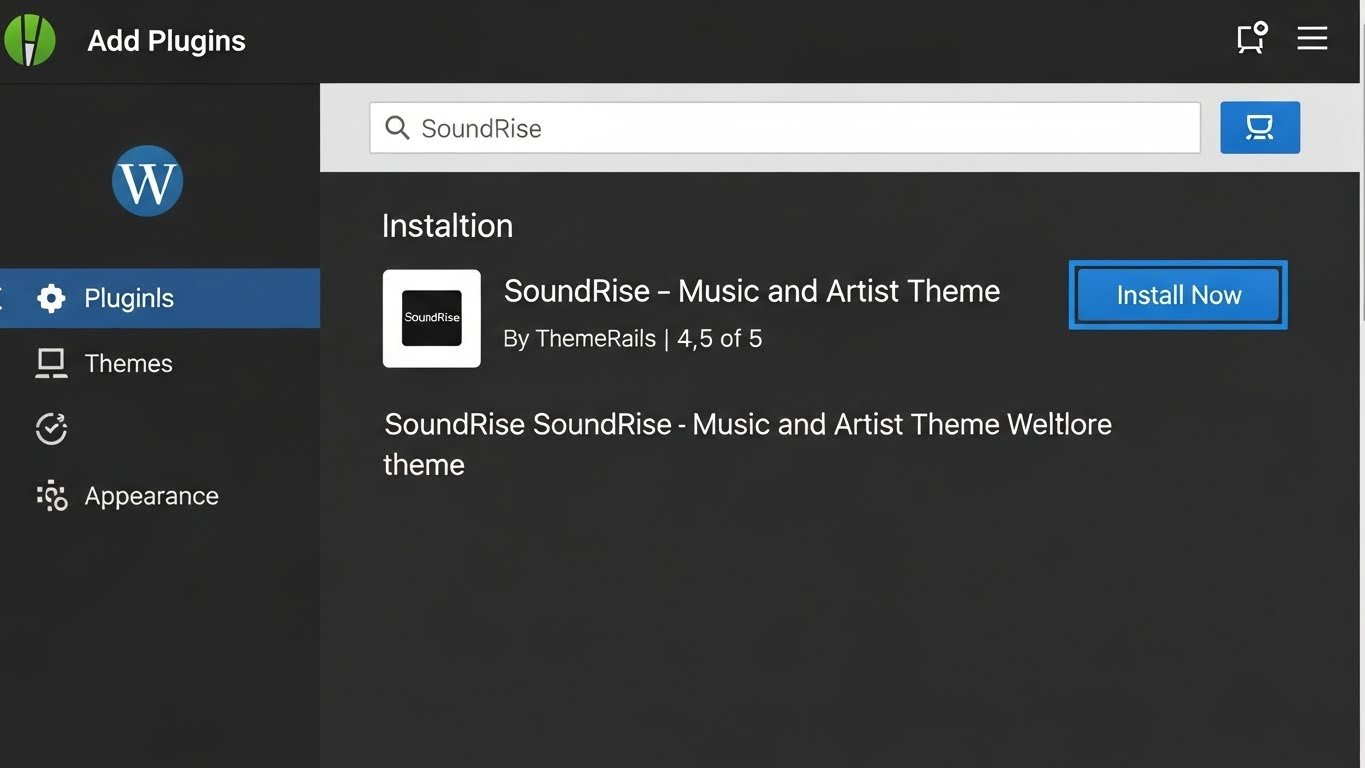
How to Install SoundRise – Music and Artist WordPress Theme | Full Tutorial & Demo
In this video, we’ll show you how to install the SoundRise WordPress theme, a premium theme specially designed for musicians, bands, DJs, artists, and music creators. SoundRise is perfect for creating a professional website that showcases your music, events, galleries, and portfolios.
This tutorial is beginner-friendly and walks you through every step of the installation process—from uploading the theme to importing demo content and configuring menus and homepages. By following this guide, you’ll have your SoundRise-powered music website up and running in minutes.
Buy Now Wpwar GPL : https://wpwar.com/product/music-and-artist-wordpress-theme/
Youtube Setup Video :https://youtu.be/-8Eeraxd9zI
🔹 What is SoundRise WordPress Theme?
SoundRise is a modern, responsive, and feature-rich WordPress theme created for music professionals. It comes with multiple pre-designed demo websites, ready-to-use music player options, event listings, gallery layouts, and portfolio sections. It allows you to create a professional online presence without touching a single line of code.
🎶 Features of SoundRise
One-click demo import to quickly set up your website
Fully compatible with popular drag-and-drop page builders
Music playlist integration for songs and albums
Event management and gig listings
Image galleries for albums, concerts, and portfolios
Blog layouts for sharing news and updates
WooCommerce compatible to sell music, merchandise, or tickets
SEO-optimized and fast-loading
Fully responsive and mobile-friendly
Easy customization with theme options
⚙️ Step-by-Step Installation
Login to WordPress Dashboard – Access your website admin panel.
Upload SoundRise Theme – Go to Appearance → Themes → Add New → Upload Theme.
Activate the Theme – Click Activate after installation.
Install Required Plugins – Follow the prompts to install and activate essential plugins for full functionality.
Import Demo Content – Go to Appearance → Demo Import and choose your preferred layout.
Set Homepage and Menus – Configure a static homepage and primary menu location.
After completing these steps, your website will look exactly like the SoundRise demo, and you can customize it further to match your style.
📱 Why Choose SoundRise?
SoundRise is ideal for anyone in the music industry—whether you’re a solo artist, band, DJ, music producer, or event organizer. With responsive design, fast loading speed, SEO-friendly structure, and professional layouts, it ensures your website not only looks stunning but also performs well on all devices and search engines.

SoundRise – Music and Artist WordPress Theme
📹 What You’ll Learn in This Video
✔ How to install SoundRise theme on WordPress
✔ How to activate required plugins
✔ How to import demo content
✔ How to set up homepage and menus
✔ Tips for customizing your music website
If you find this tutorial helpful, make sure to LIKE, SHARE & SUBSCRIBE for more WordPress and music website guides.
SoundRise WordPress Theme, SoundRise Theme Review, SoundRise Theme Demo, SoundRise WordPress Theme Tutorial, Music WordPress Theme, Artist WordPress Theme, Band WordPress Theme, DJ WordPress Theme, Music Portfolio WordPress Theme, Event WordPress Theme, Music Website WordPress Theme, WooCommerce Music Theme, Responsive Music WordPress Theme, Premium WordPress Theme, SoundRise Theme Installation, SoundRise Theme Customization, Fast Music WordPress Theme, SEO Optimized Music Theme