
Blog
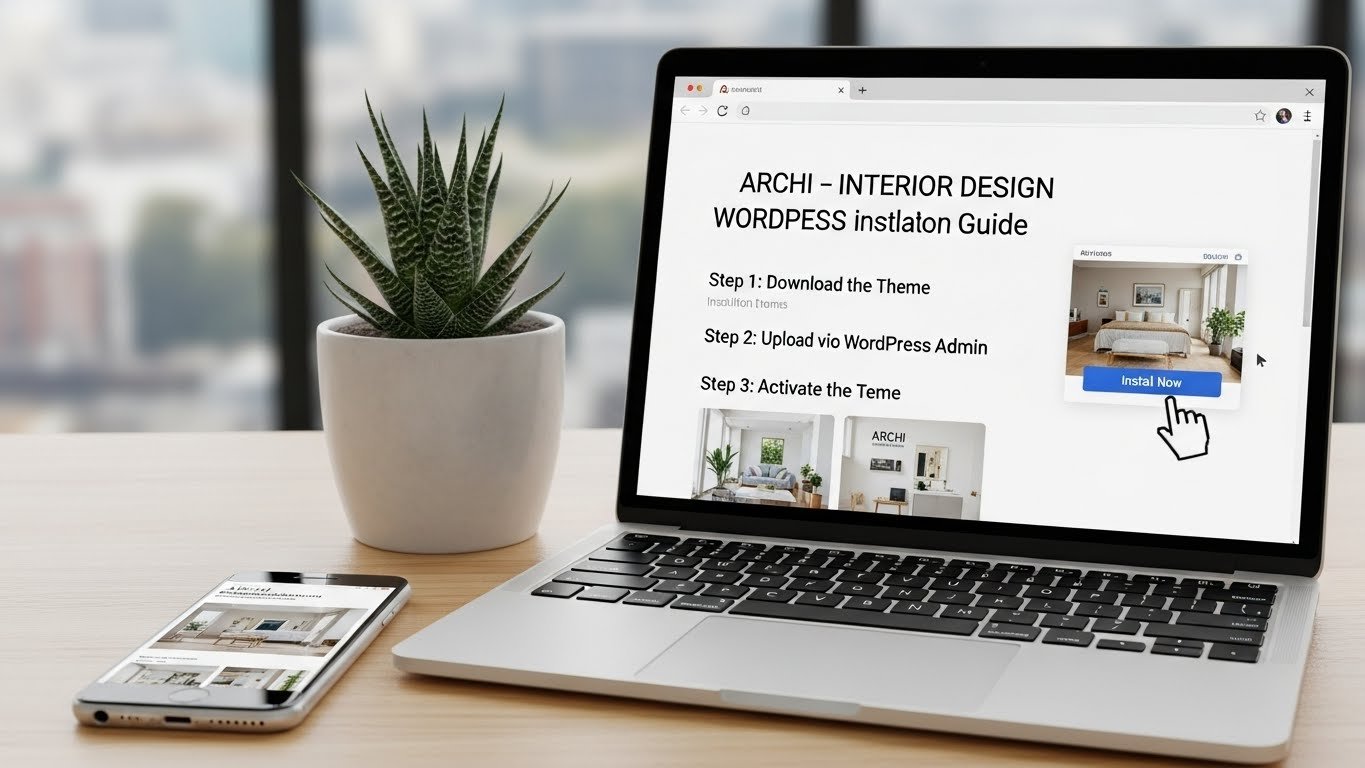
How to Install Archi – Interior Design WordPress Theme | Step by Step Tutorial 2025
Dec
Welcome to this complete tutorial on how to install and set up the Archi WordPress theme, perfect for interior designers, architects, and creative agencies. In this video, we will guide you step by step on installing the theme, activating required plugins, importing demo content, customizing pages, and configuring your website so it looks professional and ready to showcase your portfolio.
Archi is a premium WordPress theme designed specifically for interior design, architecture, and creative agencies. With a clean and modern design, Archi allows you to create a beautiful, responsive, and professional website without any coding knowledge. It is fully compatible with Elementor Page Builder, giving you a drag-and-drop interface to customize pages and layouts easily.
This tutorial will show you everything from downloading the theme to making your website fully functional and visually appealing. Whether you are a freelancer, interior design company, or an architectural firm, Archi provides all the features you need to display projects, services, team members, testimonials, and client portfolios.
Buy Now Wpwar GPL : https://wpwar.com/product/interior-design-wordpress-theme-2/
Youtube Setup Video : https://www.youtube.com/watch?v=STjb7pjxlaw
Key Features of Archi WordPress Theme
Fully responsive and mobile-friendly design
Elementor Page Builder integration for easy customization
One-click demo import to get a ready-made website
Modern UI/UX design for interior design and architecture websites
Multiple pre-built demos and inner pages
SEO optimized and fast-loading layouts
Customizable headers, footers, and blog pages
Portfolio and gallery layouts to showcase projects
WooCommerce compatible for online services
Contact forms and inquiry forms for client communication
Why Choose Archi Theme?
Easy Setup – Quickly install the theme and demo content with a few clicks.
Professional Design – Modern and elegant layouts tailored for interior design and architecture.
Elementor Compatible – Customize pages with drag-and-drop interface.
Portfolio Showcase – Beautifully present your projects and services.
Responsive & SEO Ready – Fully mobile-ready and optimized for search engines.
Step-by-Step Installation Guide
Download the Theme – Get the Archi theme ZIP file from ThemeForest or your purchase source.
Upload & Install – Go to WordPress Dashboard → Appearance → Themes → Add New → Upload Theme → Install Now.

Activate the Theme – Click Activate to make Archi your active theme.
Install Required Plugins – Install Elementor, Slider Revolution, Contact Form 7, and other recommended plugins.
Import Demo Content – Use the one-click demo importer to add pages, posts, and layouts from the demo.
Customize Your Website – Use Elementor or WordPress Customizer to edit pages, change colors, fonts, and content.
Configure Contact Forms & Functionality – Set up inquiry forms, contact pages, sliders, galleries, and portfolios.
Final Testing – Check your website on desktop, tablet, and mobile devices to ensure everything works properly.
By following these steps, your Archi WordPress website will be ready to go live, beautifully showcasing your interior design projects and services.
Who Can Use Archi Theme?
Interior designers and design studios
Architecture firms
Freelance designers
Creative agencies
Portfolio and showcase websites
Conclusion
If you want to build a professional interior design or architecture website, Archi WordPress Theme is an excellent choice. With its responsive design, Elementor compatibility, portfolio features, and one-click demo import, you can quickly create a beautiful and functional website without writing any code.
Don’t forget to like, share, and subscribe for more WordPress tutorials. Comment below if you have any questions or need help with Archi setup.
Archi WordPress Theme, How to Install Archi Theme, Interior Design WordPress Theme, Architecture WordPress Theme, Archi Theme Tutorial, WordPress Theme 2025, Elementor WordPress Theme, Premium WordPress Theme, WordPress Theme Installation, Interior Design Website, Architecture Portfolio Website, Archi Demo Import, WordPress Tutorial, Responsive WordPress Theme, Archi Customization